Complete product workflow
From business need to governed app, one step at a time.
Workshop helps a team describe and test the application. Harbor enforces the trust boundary that lets the reviewed version run inside SharePoint.
THE FOUR-STEP PATH
A representative airport-safety project, shown end to end.
 01
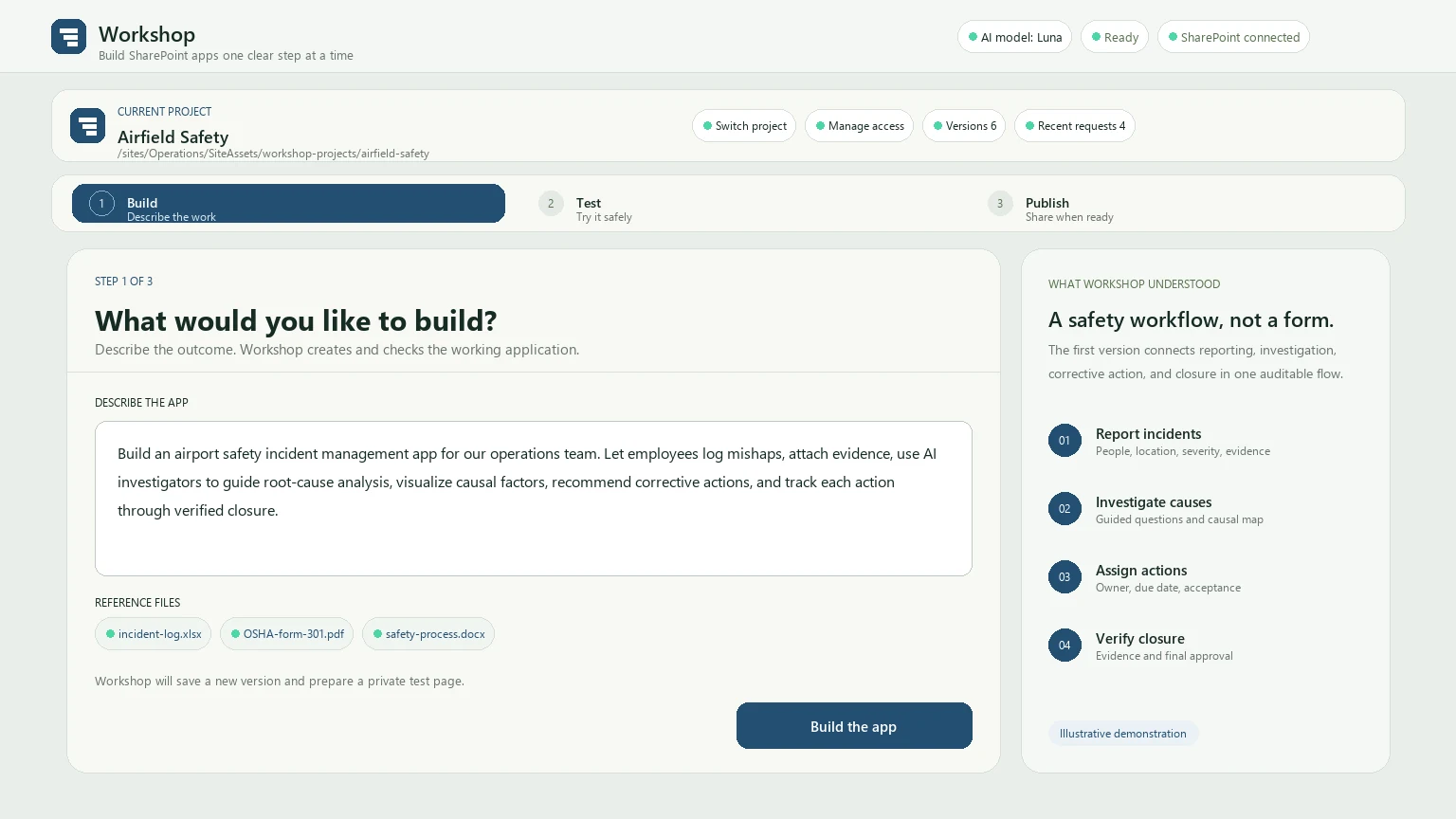
01Describe the work
Begin with users and outcomes.
The team asks for incident reporting, guided root-cause analysis, corrective actions, and verified closure, then attaches its current reference files.
 02
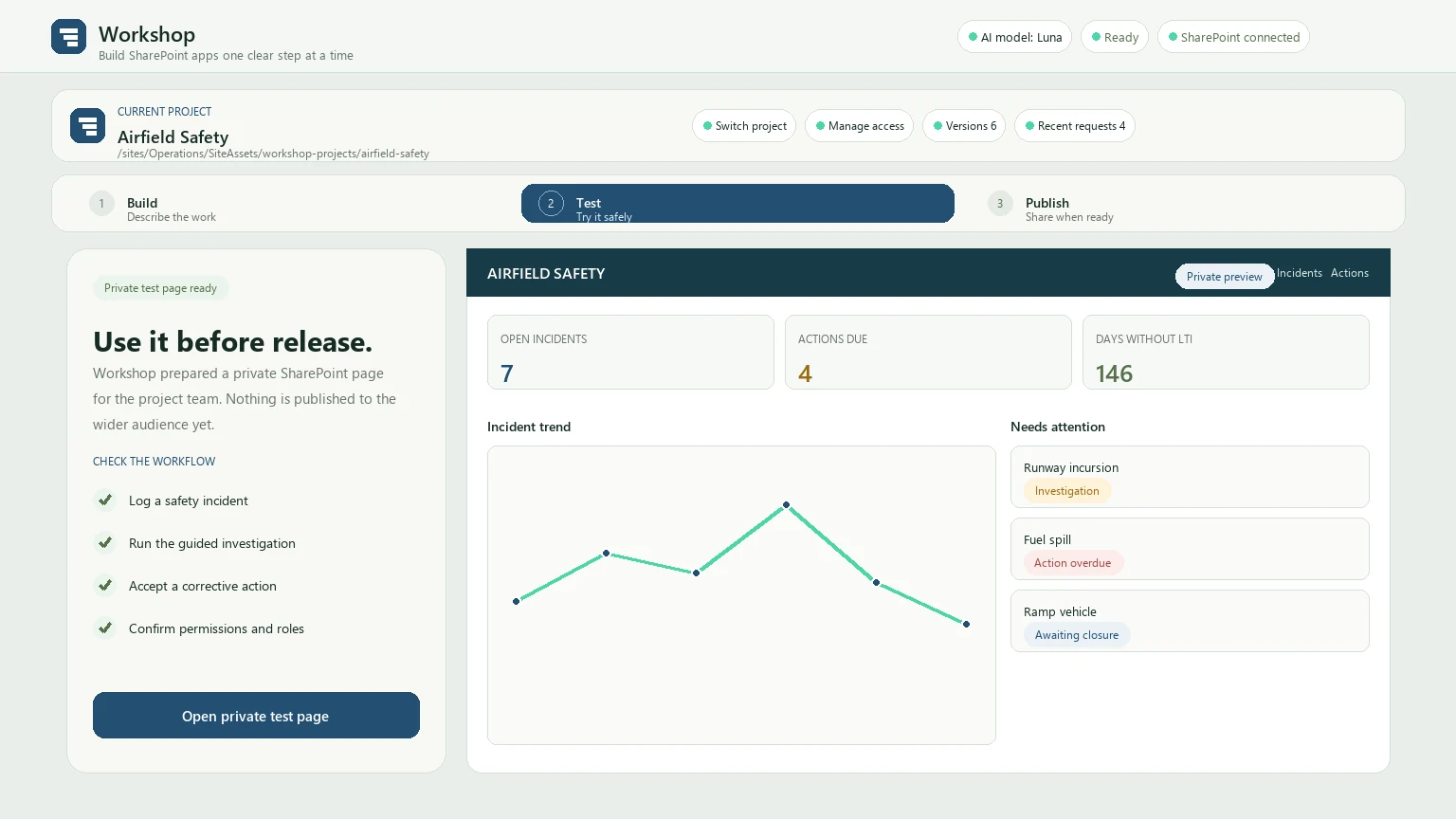
02Test privately
Use the app before releasing it.
The project team opens a private SharePoint page, tries the working safety workflow, and asks for another change or continues toward publication.
 03
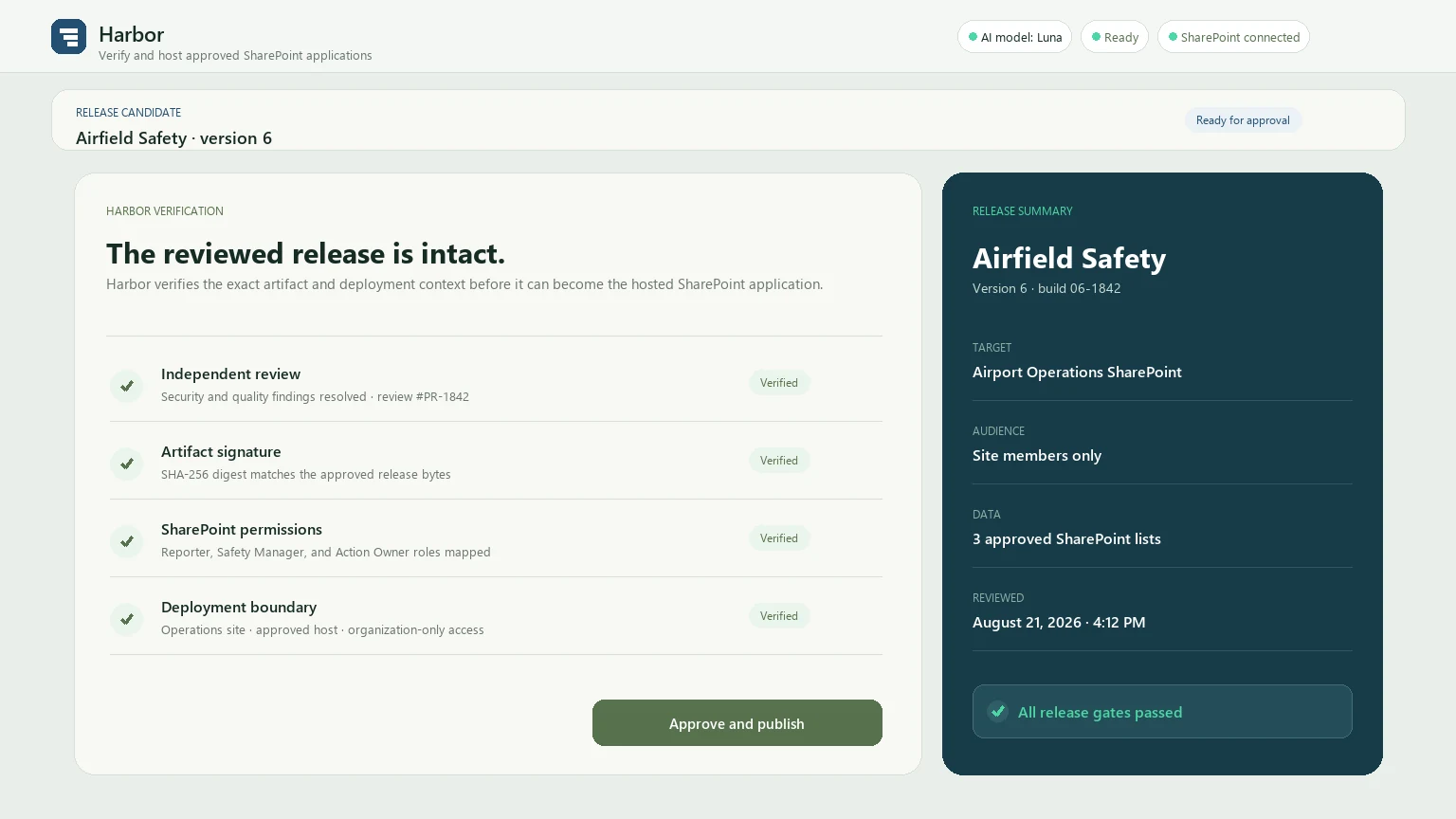
03Cross the Harbor boundary
Verify the exact release.
Harbor verifies independent review, artifact integrity, SharePoint permissions, and the intended deployment boundary before approving the release.
 04
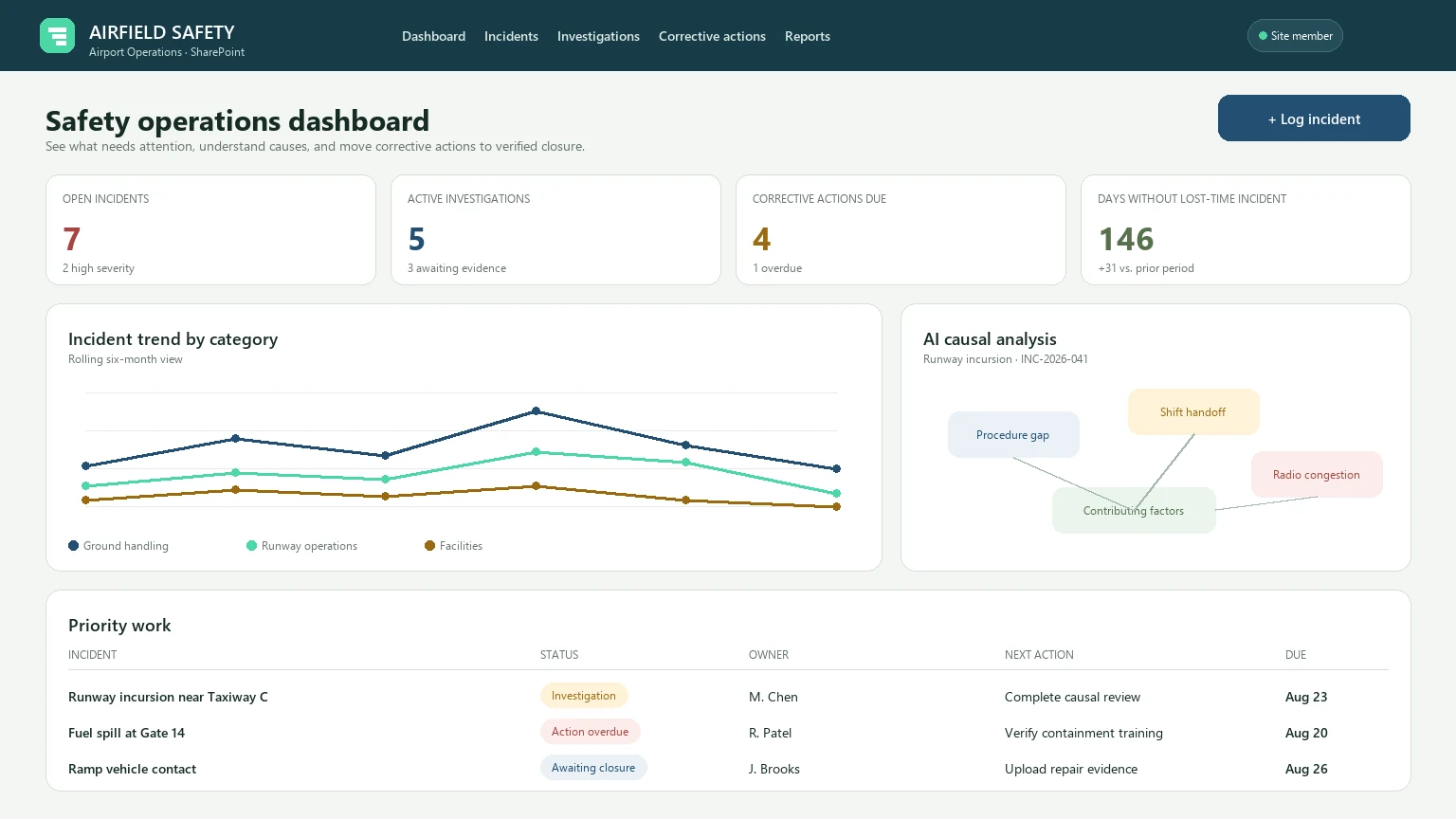
04Run in SharePoint
Give the safety team a focused tool.
The finished dashboard connects incident trends, AI-assisted causal analysis, and corrective-action ownership inside the organization’s Microsoft 365 environment.
ITERATION LOOP
Publication is not the end of improvement.
Teams can return to Workshop when the process changes or users identify a better way to work. A later update is tested independently while the currently published application remains available.
This separates experimentation from the version people depend on. The next release crosses the same review and verification boundary before replacing what is hosted.
What stays visible
- The current project and its recent requests
- Private test readiness and next-step choices
- Application data-access decisions
- The release page and publication state
Bring a real workflow and watch the path happen.
A demonstration is easiest to understand when it begins with work your team already knows.